
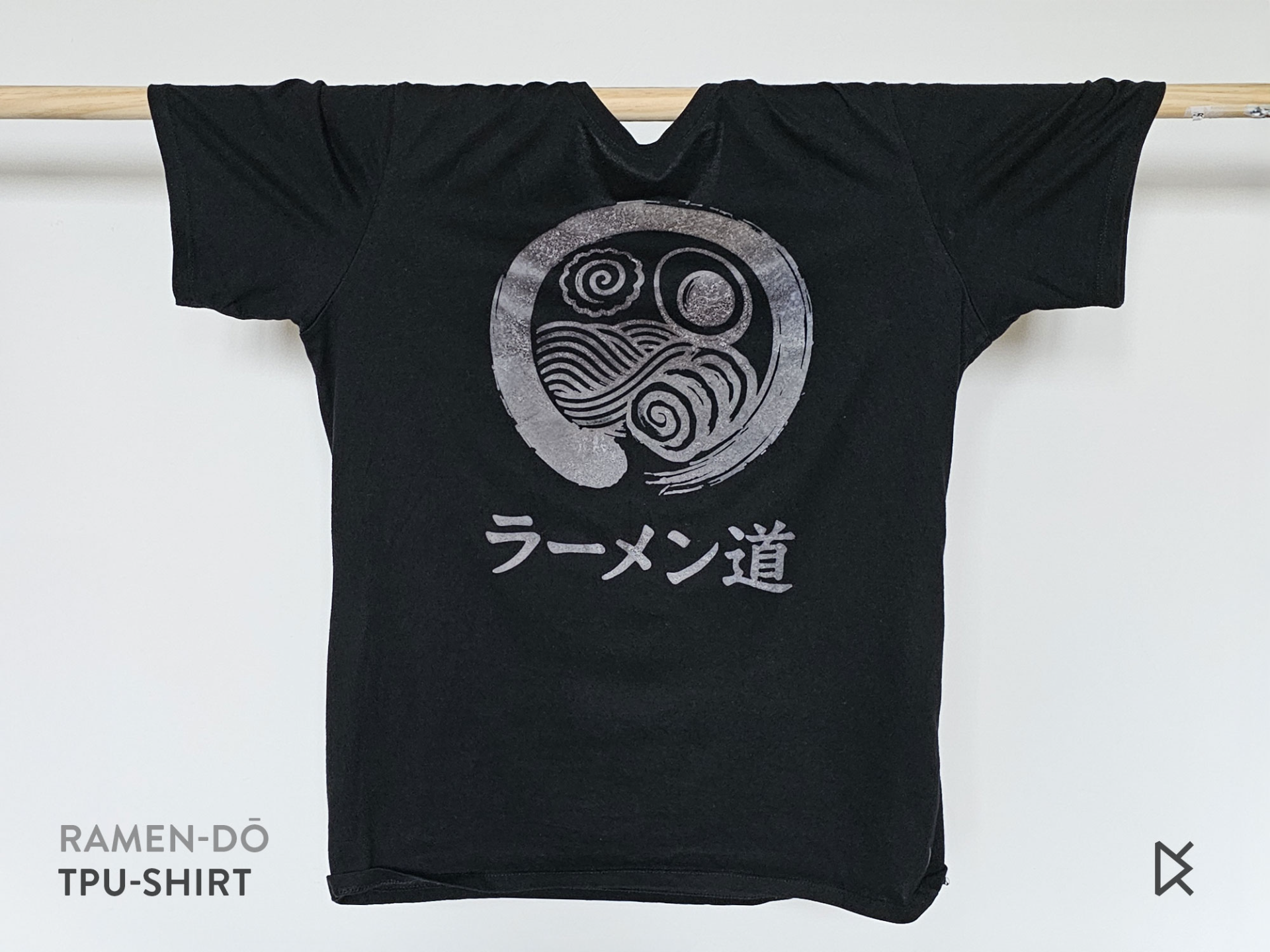
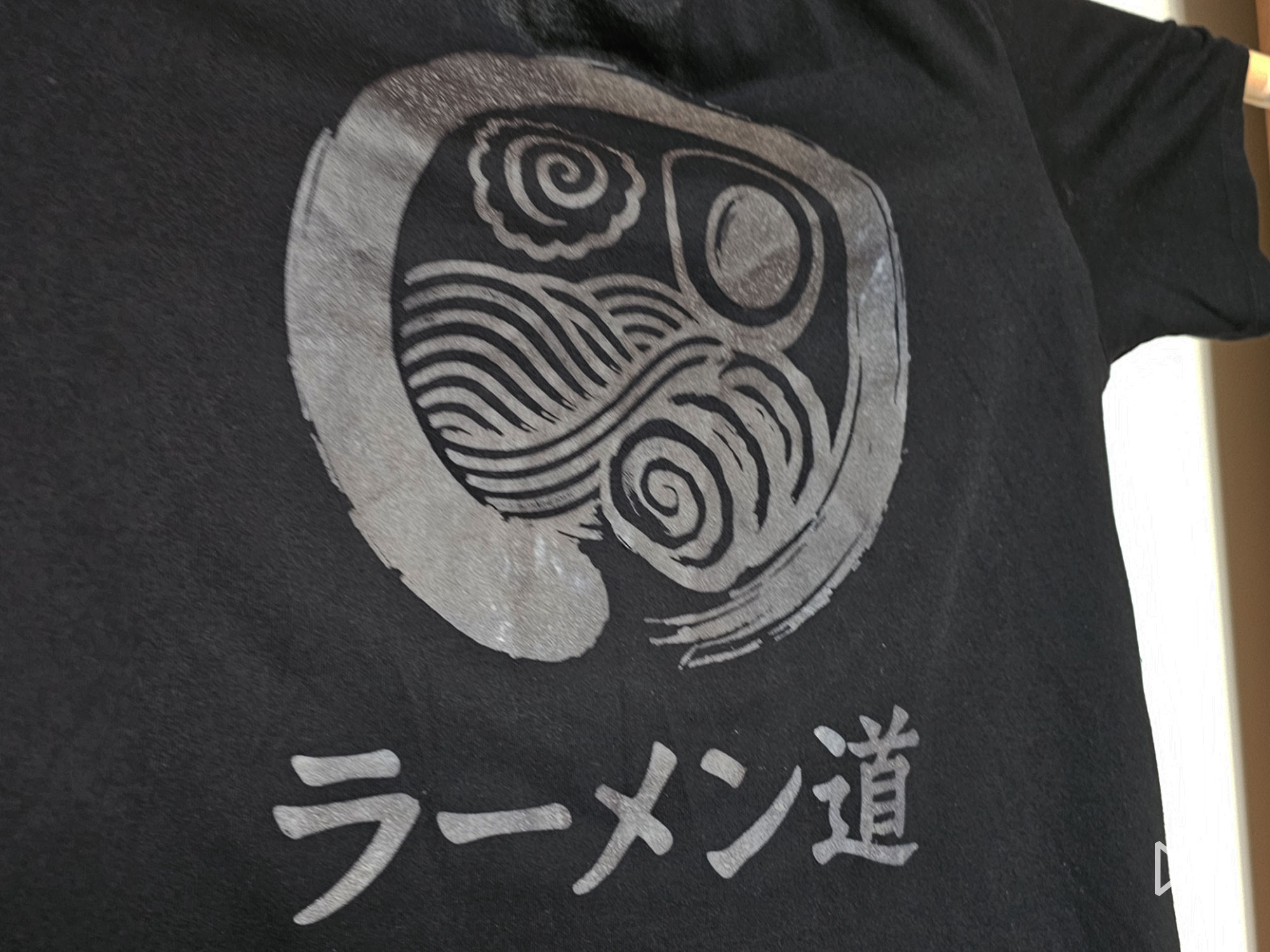
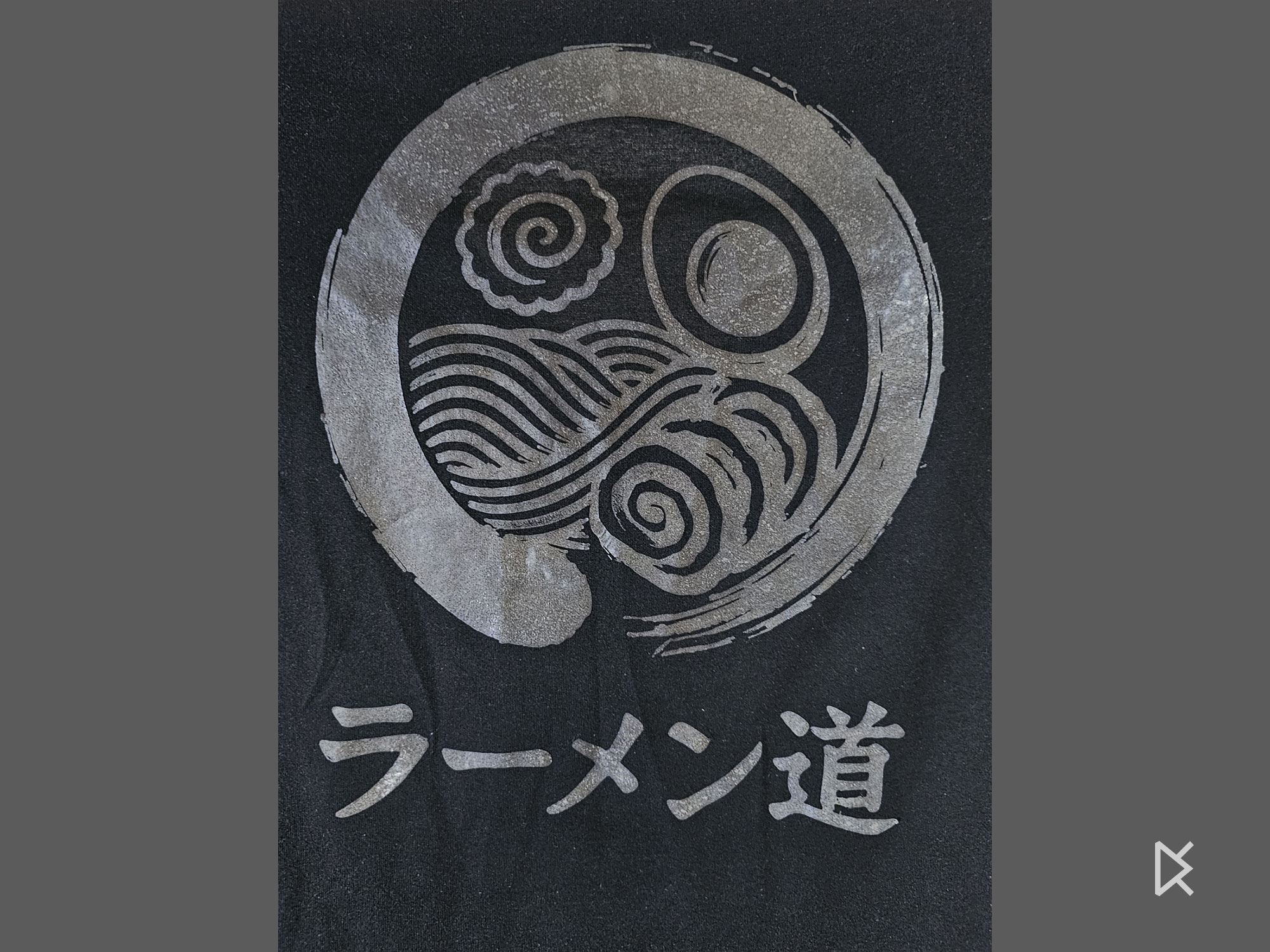
Ramen-dō (ラーメン道), The Way of Ramen is a 2D graphic designed to be printed in soft TPU and transferred onto a 100% cotton T-shirt with an iron. It is free to download on MakerWorld and the page below is a step-by-step guide to the transfer.
What it is
Ramen-dō is a graphic created by a ramen lover and admirer of Taoist and Zen ideas. It blends a ramen bowl with the ensō, the brushstroke circle that represents unity, imperfection and the beauty of the present moment. The name plays on the Tao (dō, “the way”) and the idea of ramen as a mindful, joyful ritual.
This project is experimental and depends largely on the filament and on the T-shirt: some filaments and shirts may not adhere well or may be less durable.
Photos
TPU T-shirt transfer: step by step
- Prepare the print bed. Cut a sheet of baking paper slightly larger than the bed. Fix it securely with magnets, folding the edges under the bed so that it stays tight and flat.
- Apply glue and preheat. Cover the paper evenly with plenty of glue stick or adhesive spray. Preheat the bed to 50–60 °C, a typical TPU bed temperature. Once it is hot, re-tension the paper: it may wrinkle because of the moisture in the glue.
- Print the graphic in TPU. Use the softest TPU you have (Shore 95A or lower): the softer it is, the better it bonds to fabric. Print directly onto the baking paper.
- Prepare the T-shirt. Use a 100% cotton T-shirt, lay it flat on an ironing board and insert a sheet of paper inside to protect the back layer. Iron the front area thoroughly to remove all moisture.
- Apply the print. Remove the printed baking paper from the bed. Position it on the T-shirt with the TPU side in direct contact with the fabric, and check the centring.
- Heat-press with the iron, no steam. Set the iron to maximum heat and press firmly over the whole design. Gently lift a corner to check adhesion: if the TPU has not fused, keep ironing.
- Iron the back side. Flip the T-shirt and iron from the inside, directly behind the print, to fuse the TPU deeper into the fabric.
- Cool and peel. Let the shirt cool for a few minutes, then gently peel off the baking paper. If any part lifts or has not adhered, repeat the ironing.
- Wash before wearing. Wash the T-shirt to remove any glue residue. After the first wash the TPU becomes softer and better integrated into the fabric.
Important
The print cannot be removed from the T-shirt once the plastic has melted: use a sacrificial T-shirt for your first tests.
Care instructions
- Machine wash at low temperature (30 °C).
- Do not tumble dry.
- If the design starts lifting, repeat the ironing process.
Printing
| Profile | Time | Filament |
|---|---|---|
| Ramen-dō shirt graphic | 0.9 h | 9 g TPU |
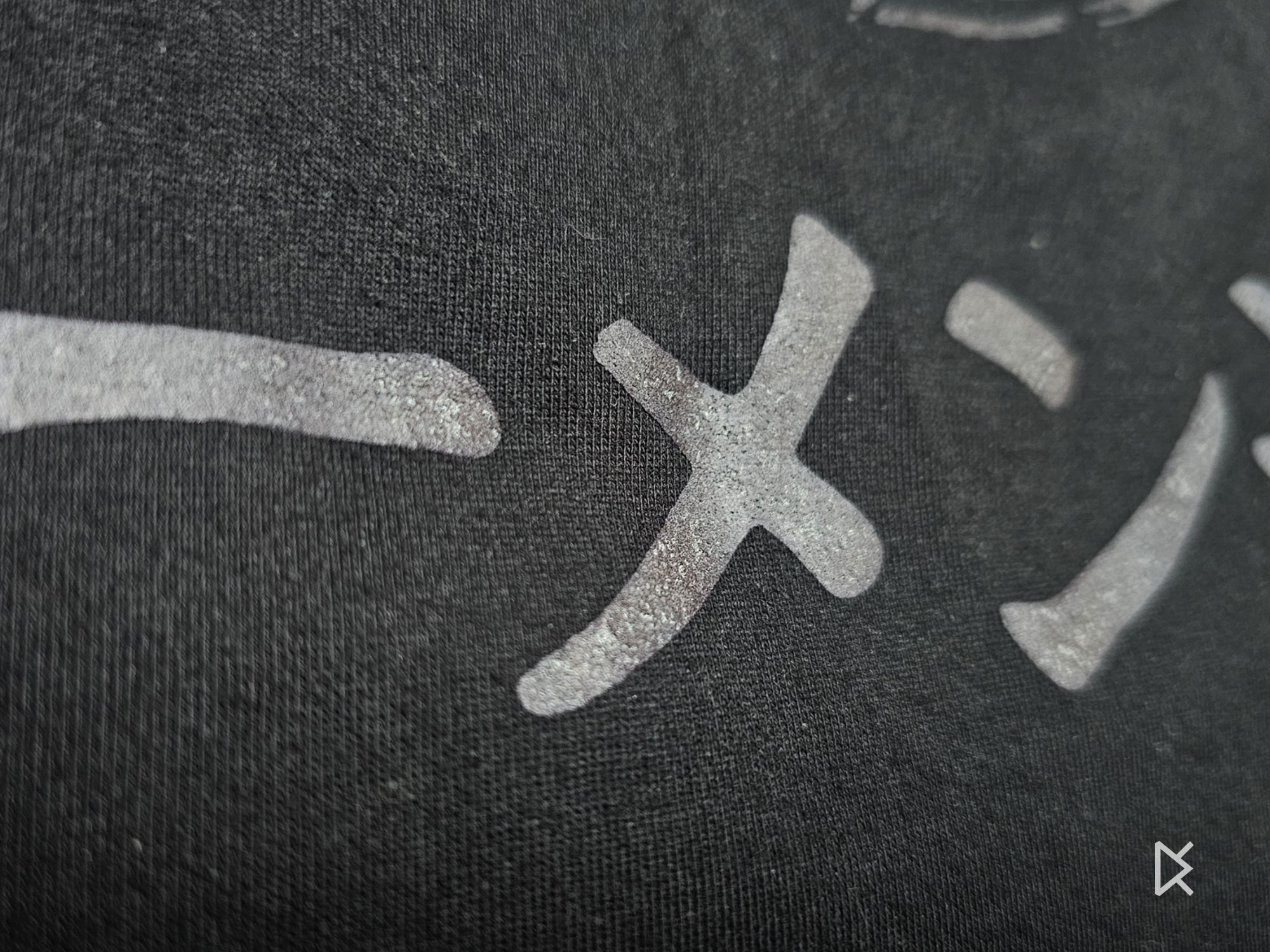
The time and weight are those shown on MakerWorld and vary with printer and settings. The filament in the photos is a retroreflective TPU (Reflect-o-Lay).
Frequently asked questions
Can I really print on a T-shirt with a 3D printer?
Yes: you print a flat TPU graphic on baking paper, then fuse it onto cotton with an iron. The process is experimental and depends on the filament and the fabric.
What TPU should I use?
The softest available, Shore 95A or lower.
What does Ramen-dō mean?
A play on words between dō, “the way” of Tao, and ramen as a mindful, joyful ritual.
Where can I download the model?
For free on MakerWorld, using the Print button on this page.
When was it published?
On 13 July 2025.